Make email tone visible, inline in Apple Mail.
Start your day the way you want: focus on positive replies first, or park challenging threads until later. Sentimentalmail enriches Apple Mail with on-device sentiment scoring so you can triage faster and respond with context.
Capabilities
Seamlessly integrated with Apple Mail. Sentimentalmail scores the sentiment of your messages on your Mac and presents clear markers inline so you can triage with confidence.
Seamless Apple Mail integration
Works inside Apple Mail without changing how you read, search, or organise your inbox.
Sentiment scoring with thresholds
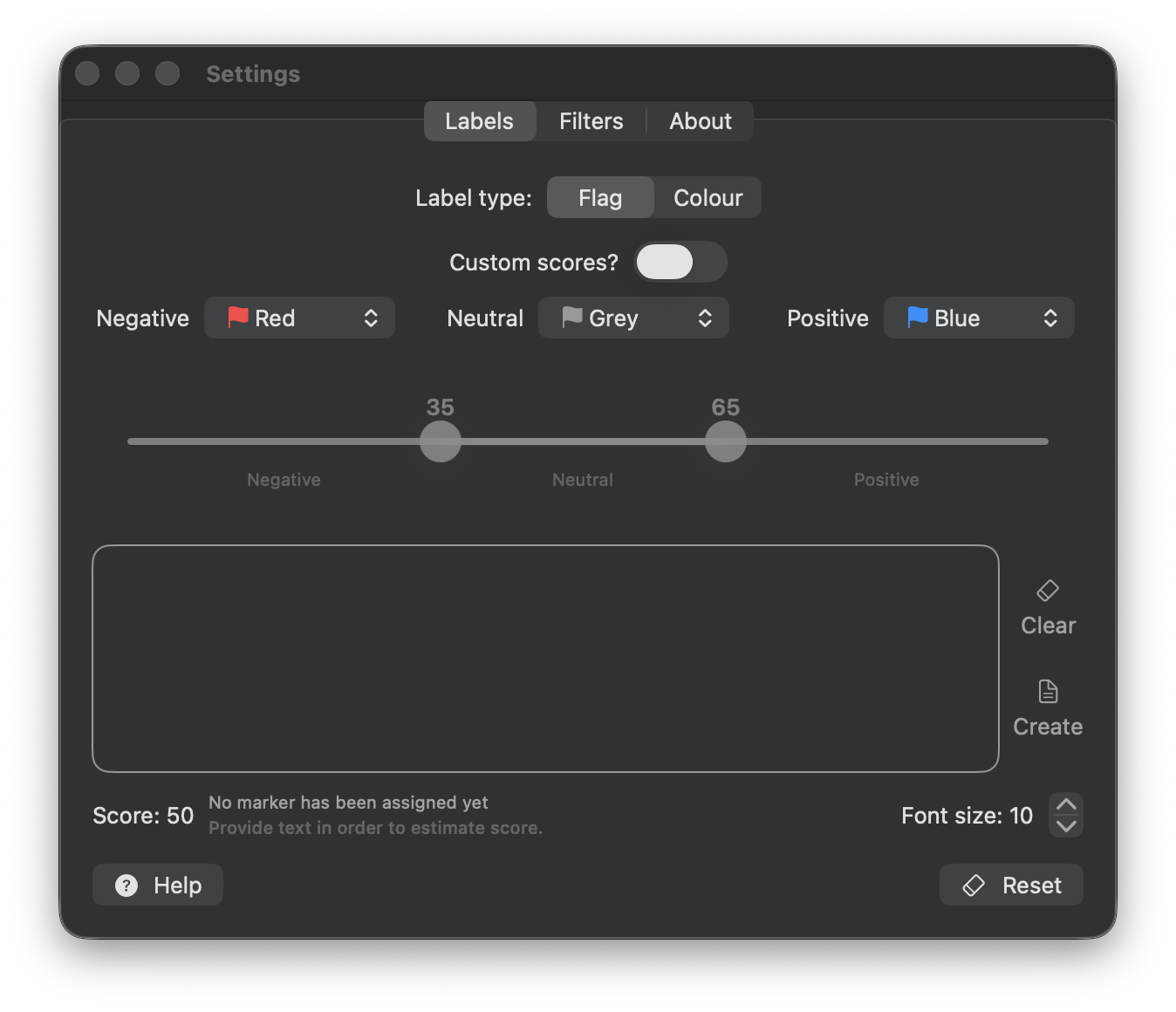
Scores messages and lets you choose thresholds so markers match your inbox and tolerance for negative, neutral, or positive tone.
Marker style selection
Select how sentiment shows up: colour semantics or flag-style markers, depending on how you triage.
Message statistics & trends
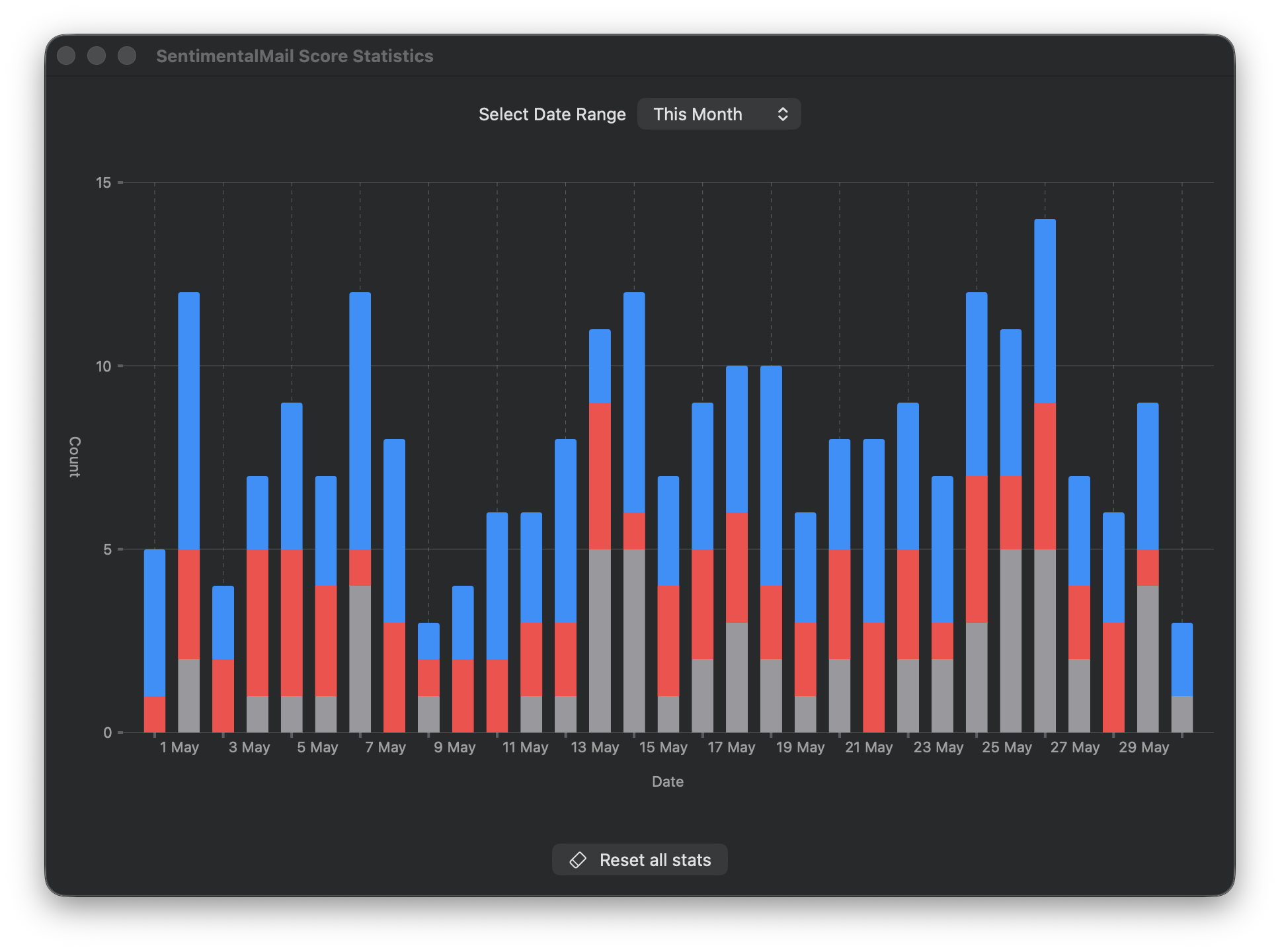
Review positive, neutral, and negative counts over time with date-range charts.
Sender filters
Include or exclude sender patterns so scoring focuses on the mail you care about.
On-device processing
Analysis happens on your machine. No message content is sent out and Sentimentalmail works offline.
Clean text extraction
Extracts subject and body, removes HTML markup, and normalises whitespace for consistent scoring.
Localized UI
Localized UI so the interface feels native on your Mac.
Download
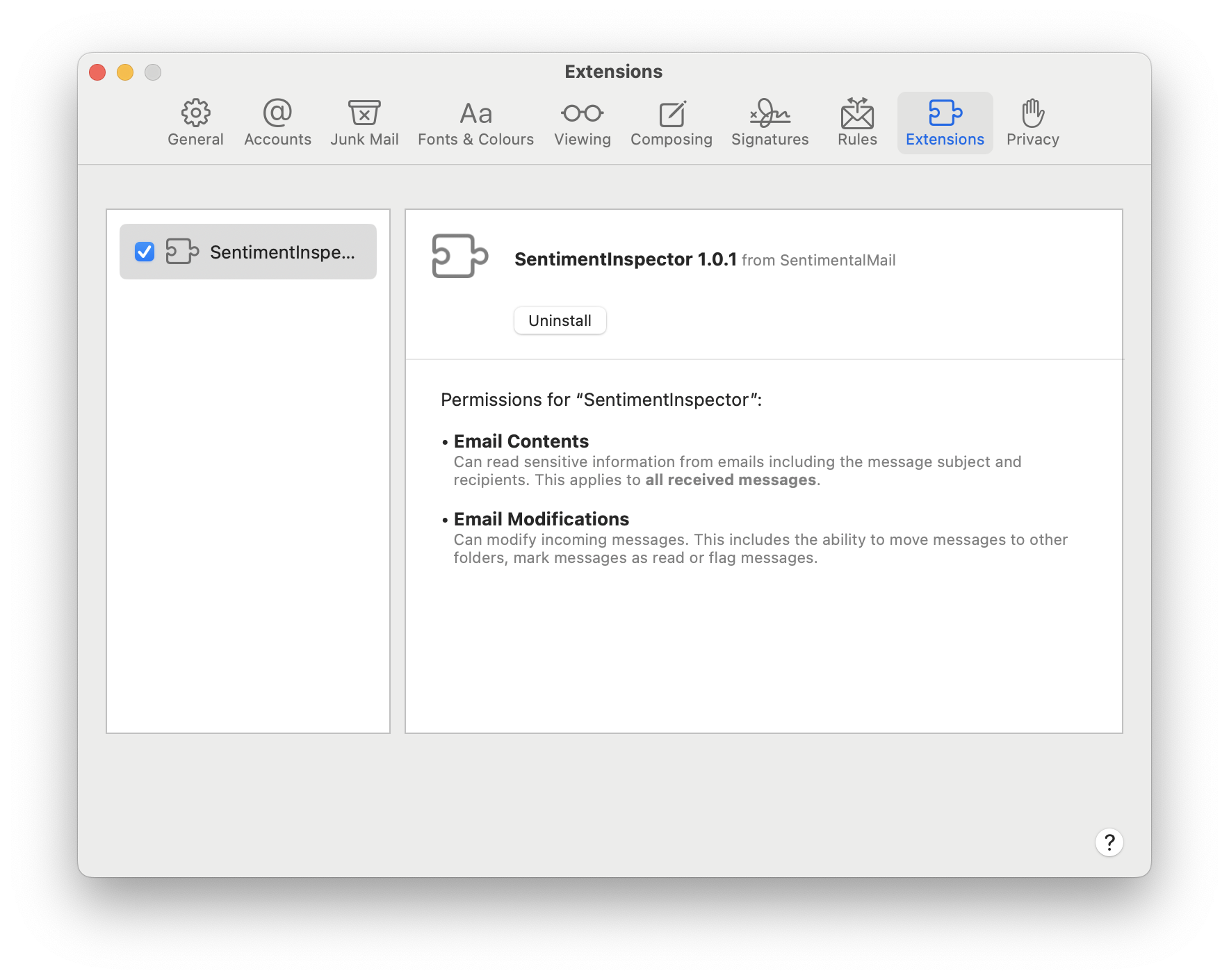
Install in minutes. Enable the extension in Mail → Settings → Extensions.
Enable the Mail extension
- 1Open Mail and choose Mail → Settings.
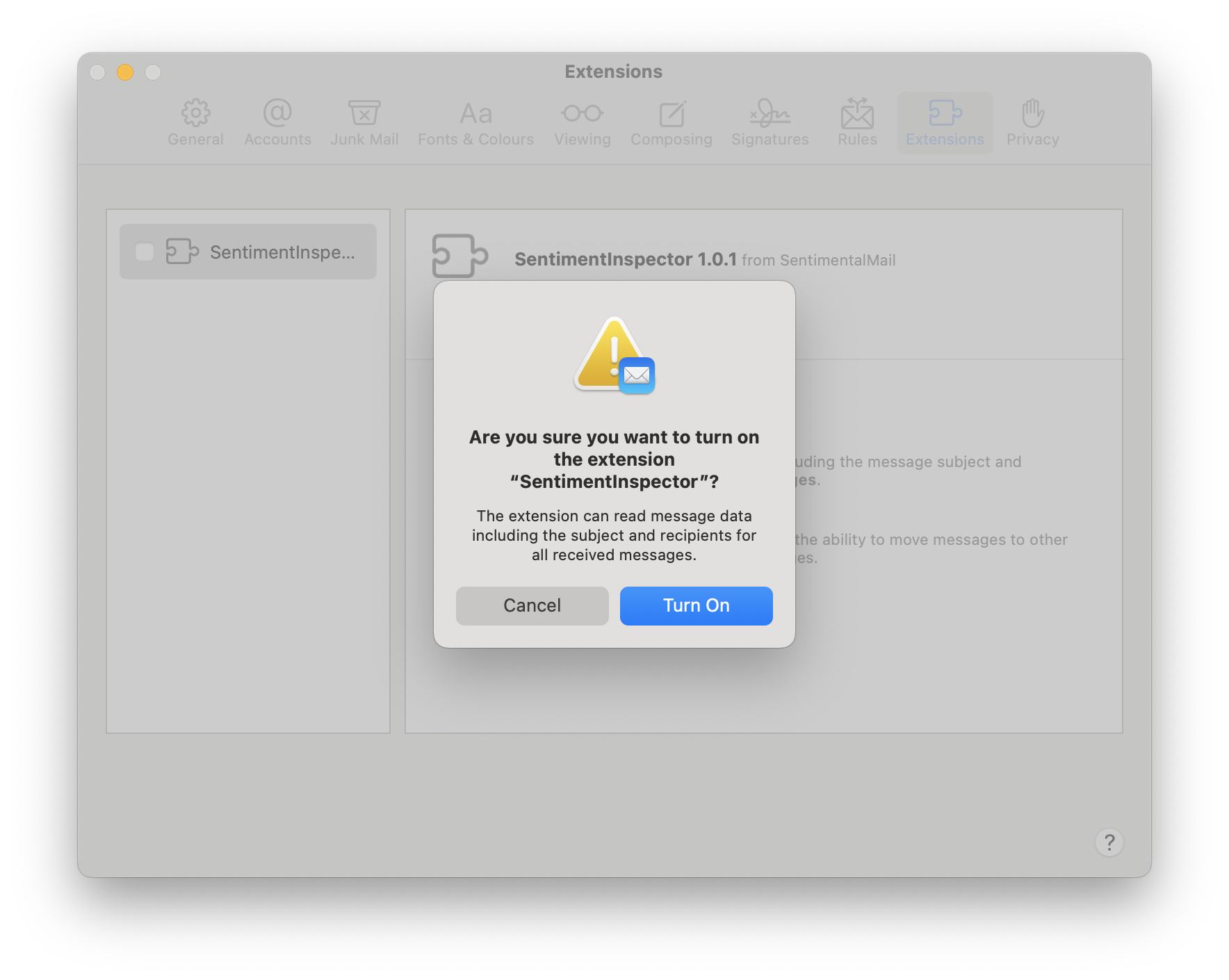
- 2Open the Extensions tab, tick the extension, then confirm Turn On.
- 3Close Settings and return to your inbox. The change applies immediately.
If Sentimentalmail is not listed, open the app once, then return to Mail → Settings → Extensions.
System requirements
Basic requirements for a smooth experience.
- PlatformmacOS 14.6+
- ArchitectureApple Silicon & Intel
- IntegrationApple Mail extension
- ProcessingOn-device